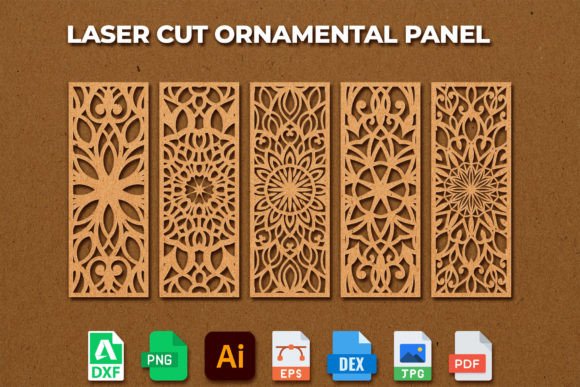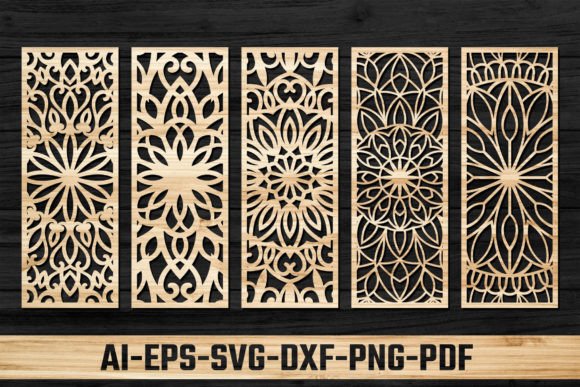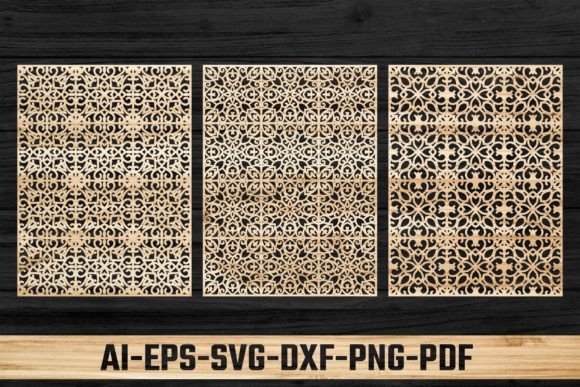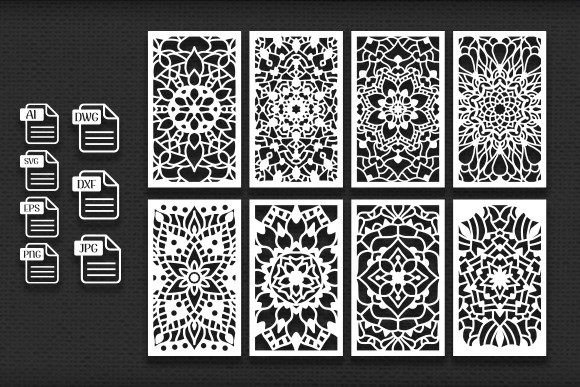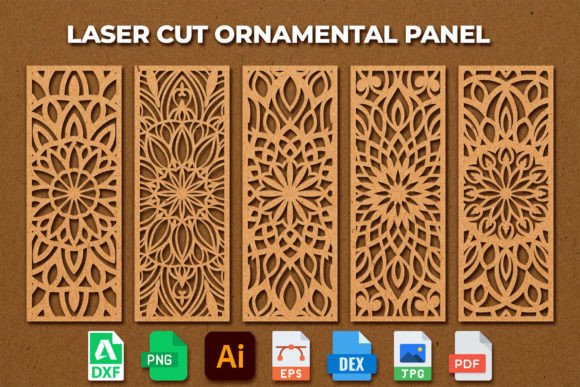
Laser Cut Ornamental Panel Template 08
Imagine transforming a simple sheet of wood, acrylic, or metal into a stunning piece of art with intricate, flowing patterns. That's the magic a well-crafted template brings to your creative projects. The Laser Cut Ornamental Panel Template 08 is more than just a digital file; it's a gateway to adding elegant, hand-drawn artistry to your home decor, furniture, and personal creations.
Born from original, hand-drawn designs, this ornamental panel template offers a unique blend of organic charm and precise digital craftsmanship. It’s designed specifically for crafters and makers using Cricut machines, laser cutters, or CNC plasma systems. The beauty lies in its versatility—whether you're creating a delicate wall screen, a decorative furniture inlay, or a custom stencil for fabric painting, this template adapts to your vision. You can freely resize it in your cutting software without losing any of the fine detail, ensuring a crisp, professional result at any scale.
Endless Creative Applications
This isn't a one-trick design asset. Its value is in its broad range of applications, making it a useful addition to any maker's toolkit. Consider these possibilities:
- Home Decor & Wall Art: Craft a stunning laser-cut wall panel, room divider, or decorative screen that becomes a focal point in any room.
- Furniture Upcycling: Apply the design to cabinet doors, table tops, or headboards to give old furniture a new, custom-designed life.
- Event Decor & Invitations: Use the template to create elegant, intricate laser-cut elements for wedding invitations, place cards, or event backdrops.
- Floor & Fabric Stencils: Repurpose the vector design as a reusable stencil for painting unique patterns on floors, walls, or textiles.
- Digital & Print Projects: The included PNG and JPG files are perfect for incorporating the ornamental pattern into digital designs, posters, or social media graphics.
What You Receive: A Complete Design Package
To ensure maximum compatibility with your software and machine, you get a single, convenient ZIP file containing six versatile file formats. This thoughtful packaging means you can start creating immediately, no matter your preferred workflow.
The provided formats include:
- SVG & DXF: The standard vector formats for Cricut Design Space and most laser/CNC software.
- AI & EPS: Perfect for designers working in Adobe Illustrator or other vector editing programs for further customization.
- PDF: A universal format for viewing, printing, or using as a template in various applications.
- PNG & JPG: High-resolution raster images for digital use, printing, or as reference files.
Having this design asset in multiple formats is like having a premium, multi-style typeface for typography—it gives you the flexibility to work across different projects and platforms seamlessly. Just as a serif font conveys tradition or a modern sans serif feels clean, this ornamental template brings a specific aesthetic of elegance and craftsmanship to your work.
Tips for Selecting and Using Your Template
To get the most out of any digital download, a little planning goes a long way. Here’s how to ensure success:
First, always check the scale before cutting. While the file is resizable, doing a small test cut on scrap material helps verify the intricacy is suitable for your material's thickness. Second, match the mood of the design to your project. The flowing, organic lines of this template are ideal for projects that call for a touch of sophistication or nature-inspired beauty. Finally, consider your material. The design will look different on warm wood, sleek acrylic, or industrial metal—each material enhances the visual appeal in its own way.
Choosing the right design assets is crucial for creating a cohesive and professional final product. A thoughtfully designed template like this one helps elevate your work, ensuring consistency and a polished look that stands out. It’s about investing in quality tools that spark creativity and deliver reliable results, project after project.